Purpose: [1-2 sentence summary of what this guide covers and what users will accomplish]
Overview
[2-3 sentences explaining what this feature does and why users would want to do it, aka the business value of the feature]
⚠️ Note: [Any crucial notes about the feature the user should know before proceeding to read the rest of the article]Prerequisites
[List any requirements, e.g., "Admin access" or "Completed account setup"] link to article(s) needed.
[Any preparation steps, account requirements, or things users should know upfront]
✅ [Checklist item 1]
✅ [Checklist item 2]
✅ [Checklist item 3]
Step-by-Step Instructions: How to [...]
Method 1: [Primary/Recommended Method]
[Use this section for the main, recommended approach]
- [Action verb] [object]
- [Detailed instruction]
- [Screenshot with numbered annotations]
- [Action verb] [object]
- [Detailed instruction]
- [Screenshot with numbered annotations]
- [Action verb] [object]
- [Detailed instruction]
- [Screenshot with numbered annotations]
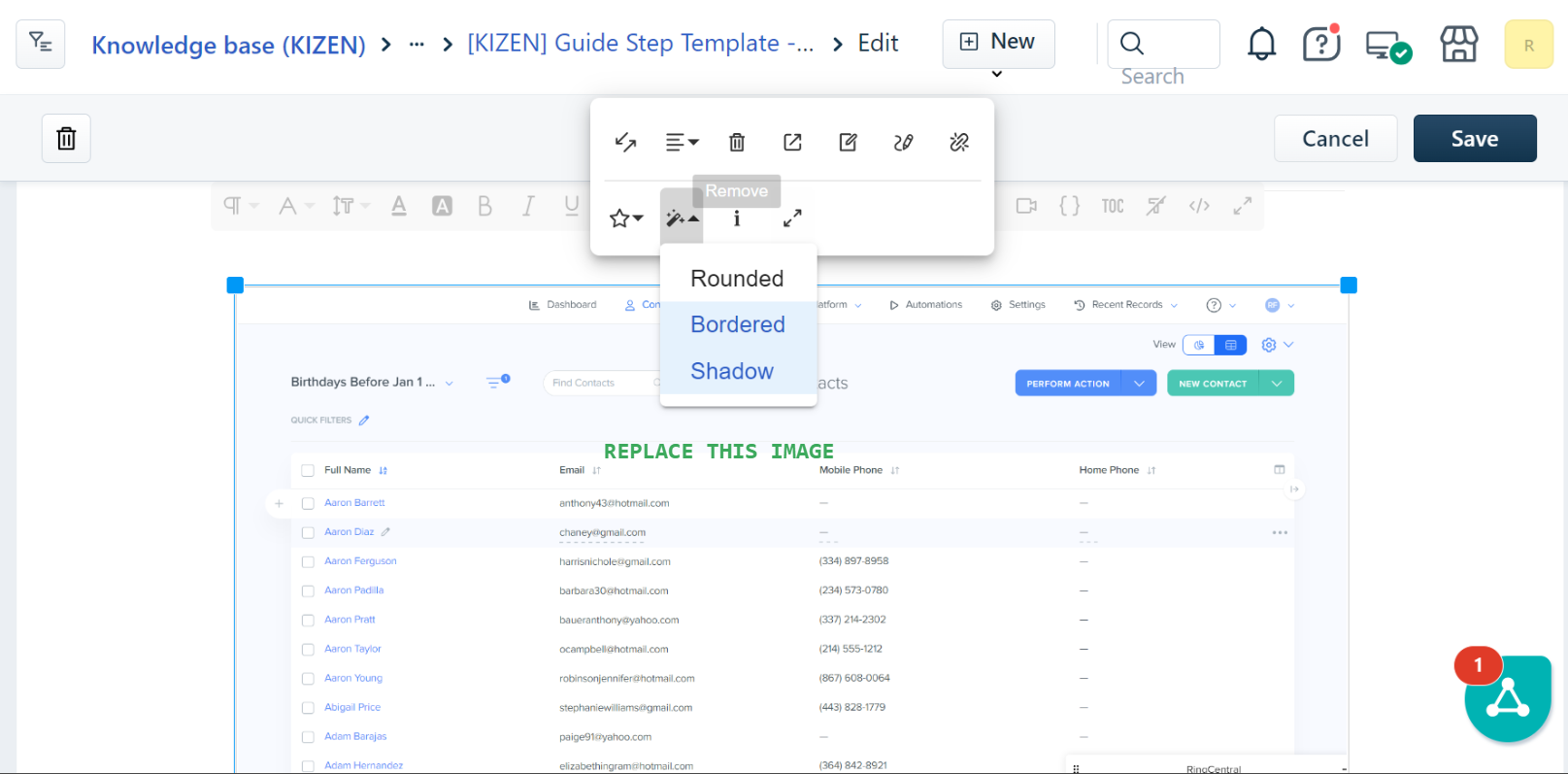
[Screenshot or GIF placeholder - clearly labeled and set Border and Shadow Option]
✅ Success Indicator: [How users know they've completed the task correctly]Method 2: [Alternative Method] (Optional)
[Include if there's another valid way to accomplish the task]
? [When to use this method: Explain use case]
- [Action verb] [object]
- [Detailed instruction]
- [Screenshot with numbered annotations]
- [Action verb] [object]
- [Detailed instruction]
- [Screenshot with numbered annotations]
- [Action verb] [object]
- [Detailed instruction]
- [Screenshot with numbered annotations]
✅ Success Indicator: [How users know they've completed the task correctlyBest Practices
To confirm everything is working correctly:
- ✅ [Do this]
- ✅ [Do this]
- ❌ [Avoid this - explain why]
- ❌ [Avoid this - explain why]
Related Articles
- [Link to related how-to]
- [Link to related FAQ]
- [Link to related FAQ]
- [Link to troubleshooting]
Still Need Help?
If you encounter any issues, contact support@kizen.com.
Was this article helpful?
That’s Great!
Thank you for your feedback
Sorry! We couldn't be helpful
Thank you for your feedback
Feedback sent
We appreciate your effort and will try to fix the article